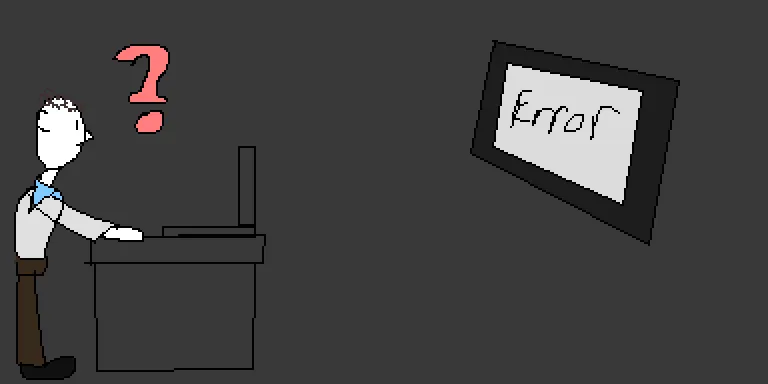
Screen Mirroring Issues
The Issue
One of the researchers I collaborated with on a project was demoing out my game when he wanted to broadcast my computer screen to his TV. I found that to be a great idea as the larger display would enhance the playing experience, like when one watches a movie on the grand size screen in a theater. It was astonishing seeing my demo on the TV screen, but not when the camera could not pick up my colleague’s hand-motions.
Why I Think This Happened
First, let me explain this using every day scenarios.
Non - Technical Explanation
Imagine you have a tiny, highly detailed postage stamp illustration of a full-sized car, and you try to print it out on a giant billboard.
Because the printer’s dots (or the billboard’s “pixels”) are massive compared to the tiny details on your stamp, the printer can’t see the fine lines of the door handle or the rearview mirror. Those tiny details are smaller than a single dot on the billboard, so the printer just leaves you with a blurry, missing chunk of the car.
Technical Explanation
The program running my game relies on consistent layout rendering and data mapping. When broadcasting to the TV, a display pixel mismatch occurs because the pixel layout and dimensions on the TV are larger or scaled differently than the laptop’s native display. Consequently, the hardware covers or stretches the data built into the game window. The pixels on the TV appear too large or misaligned, meaning the processing pipeline only receives small, fragmented pieces of data and ignores them, resulting in a failure to process the camera and hand motion feeds due to insufficient data.